

Voice and Numbers
The Numbers page lets you provision and manage phone numbers for voice channels. Each number can be assigned to a workspace so that inbound calls are routed to the right team.
The numbers page
Section titled “The numbers page”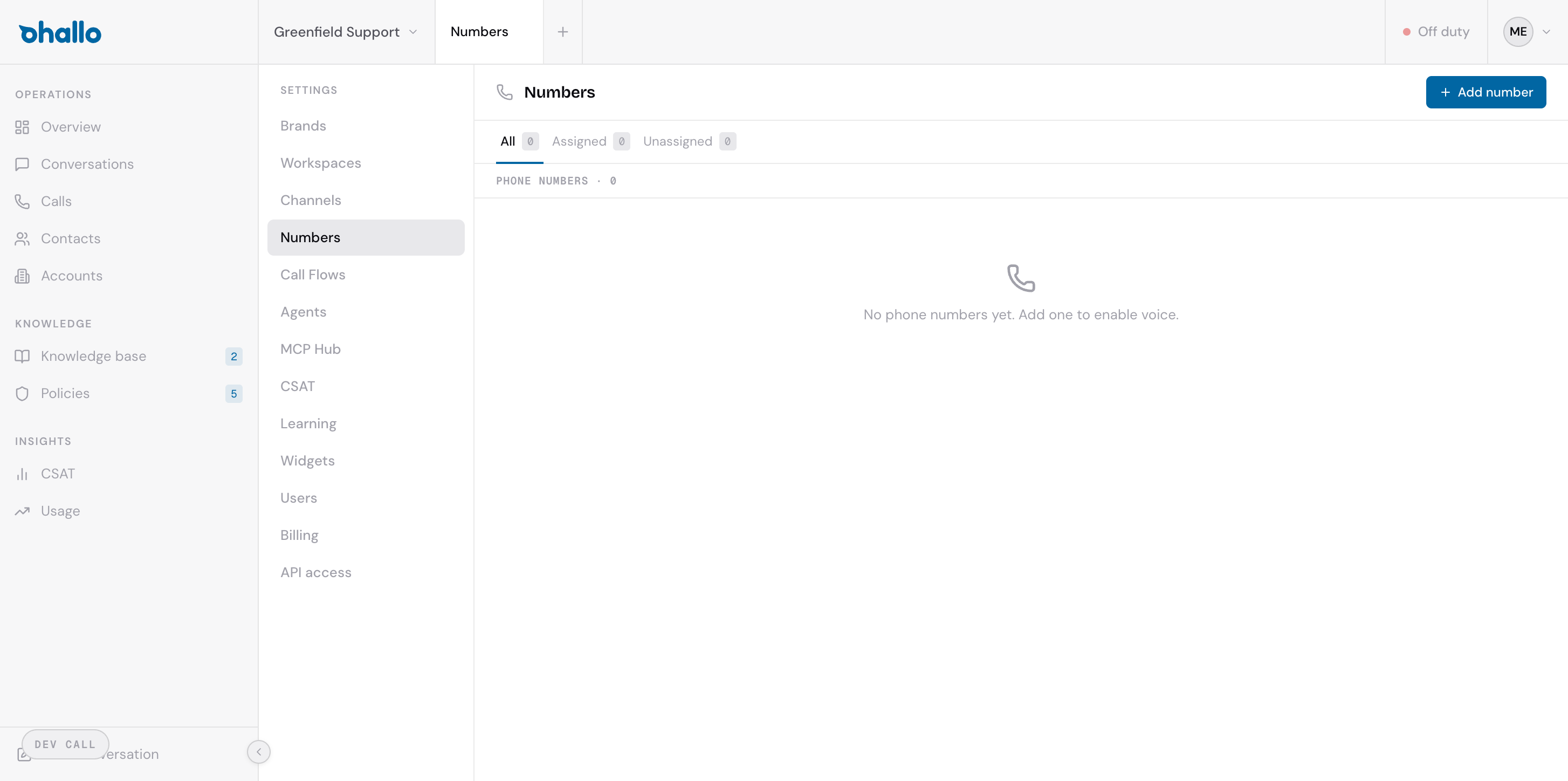
Go to Settings — Numbers to see all your phone numbers. The page includes filter tabs at the top:
- All — shows every phone number regardless of assignment
- Assigned — numbers currently linked to a workspace
- Unassigned — numbers that have been provisioned but are not yet assigned to any workspace
Each number in the list shows its country, phone number, current status, and which workspace it is assigned to (if any).
Provisioning a new number
Section titled “Provisioning a new number”- Click the + Add number button in the top-right corner.
- Select the country you need a number in.
- Choose a region within that country, if applicable.
- Review the pricing for that number (monthly cost varies by country and region).
- Confirm to provision the number.
Once provisioned, the number is ready to be assigned to a workspace.
Number statuses
Section titled “Number statuses”| Status | What it means |
|---|---|
| Provisioned | The number has been acquired and is ready to use, but is not yet assigned to a workspace. |
| Assigned | The number is linked to a workspace and is actively receiving calls. |
| Releasing | The number is in the process of being released. It will no longer receive calls once the release completes. |
| Released | The number has been fully released and is no longer available. |
Assigning a number to a workspace
Section titled “Assigning a number to a workspace”- Click on an unassigned number to open its settings.
- Select the workspace you want to assign it to.
- Save your changes.
Once assigned, inbound calls to that number are routed to the selected workspace and appear in the Calls section of the dashboard.
Multiple countries
Section titled “Multiple countries”oHallo supports phone numbers in multiple countries. Pricing varies by country and region — you can review the cost before provisioning. This makes it straightforward to set up local numbers for each market you operate in, giving your customers a familiar local number to call.
Releasing a number
Section titled “Releasing a number”If you no longer need a phone number, you can release it from the number’s settings page. Releasing a number is permanent — once released, the number may be reassigned to another customer by the provider and cannot be recovered. Make sure you update any published contact information before releasing a number.